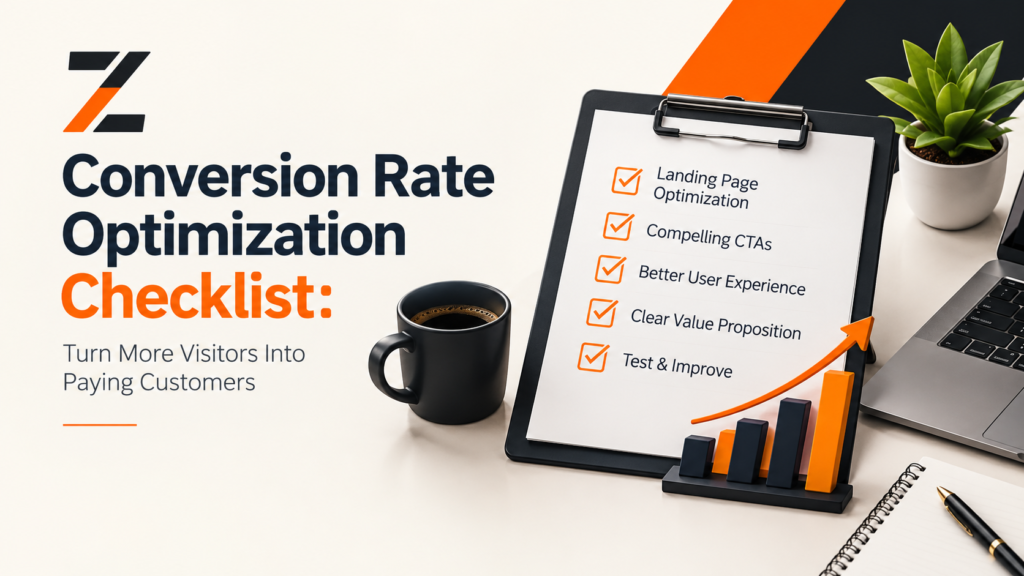
If your store’s getting traffic but the sales aren’t showing up, the problem usually isn’t traffic. It’s conversion. A conversion rate optimization checklist gives you a way to track down where people are dropping off and actually fix it, instead of just tweaking things and hoping.
This matters a lot more for early-stage D2C brands than people realize. You’re already spending money to get people to the site — through ads, influencers, content, whatever. Every point you gain in conversion rate is revenue you get for free, without spending another rupee on acquisition. Hiring a D2C marketing agency helps you to grow more confidently.
So let’s walk through it in four parts: research, the on-site experience, checkout, and trust. Then a checklist you can actually start on today, not next quarter.
What CRO Actually Means
Conversion rate optimization is just the process of getting more of your existing visitors to buy, sign up, or take whatever action matters to you — done through actual data and testing, not a gut-feel redesign.
Most D2C stores land somewhere between 1.5% and 3% conversion rate, though that number can swing a lot depending on your product, price point, and where the traffic’s coming from. Don’t chase a benchmark for its own sake. The point of this checklist is finding what’s actually stopping your visitors from buying, not hitting some industry average. To complete this checklist, a D2C marketing agency can help you.
Step 1: Actually Understand Your Visitors First
This is the step most people skip, and it’s the one that matters most. Before you touch anything on the site:
- Pull up Google Analytics and find the pages with the most traffic and the worst drop-off
- Watch a handful of session recordings — Hotjar or Microsoft Clarity both work fine — and see what people actually do
- Run a quick on-site survey asking what almost stopped someone from checking out
- Sketch out the journey from ad click to purchase, and be honest about where it gets clunky
Skip this, and you’re optimizing blind. Do it, and you’ll know exactly where to spend your time in the next three sections.
Step 2: Clean Up the On-Site Experience
- Hero section — someone should know what you sell within about five seconds of landing, no squinting required
- Product page copy — lead with the actual benefit, not a features list nobody reads
- Images and video — show the product being used, not just floating on white
- Recommendations — surface related or complementary products based on what someone’s browsing or already added to cart
- Site speed — every extra second of load time bleeds conversions; this one’s not negotiable
- Mobile — most of your D2C traffic is on a phone, so test every single flow on one, not just desktop
- Sticky bar — a small, unobtrusive way to surface offers or free shipping thresholds without getting in the way
Step 3: Build Trust Before Someone Reaches for Their Wallet
New brands have a credibility problem that big, established ones just don’t deal with. Close that gap:
- Reviews and ratings on every product page, not just a few flagship ones
- User-generated content, or an Instagram feed embedded somewhere visible
- Shipping and return policy visible before checkout, not buried in a footer link
- Trust badges near the buy button — secure payment, money-back guarantee, whatever applies
- A founder story or case study on the About page
- Live chat, or at least a clearly visible way to ask a question before buying
Step 4: Fix Checkout — This Is Where Most of the Money Is Lost
If you only fix one thing on this list, fix checkout. It’s consistently the highest-leverage spot in the funnel.
- Allow guest checkout — don’t force an account
- Cut form fields down to what’s actually necessary
- Offer more than one payment method — cards, UPI, wallets, BNPL if it fits your audience
- Show shipping costs early. Nothing kills a cart faster than a surprise fee at the last step
- Add an exit-intent popup with a small incentive for people about to bounce
- Follow up on abandoned carts within the hour, by email or WhatsApp
Step 5: Keep Testing — CRO Doesn’t End
This isn’t a one-time audit you run and forget.
- Test one variable at a time. Headline, CTA text, an image, whatever — just one, or you won’t know what actually moved the needle
- Use heatmaps to see exactly where people stop paying attention
- Set a cadence. Even one test a month adds up over a year
- Wait for real significance before rolling a winning variant out sitewide
- Re-audit every quarter. What worked before a redesign or a new traffic channel might not work after
Shopify CRO: A Few Things That Are Different
Shopify stores have their own quirks worth checking separately. App bloat is a big one — too many installed apps and your load speed tanks without you noticing. Theme customizations can quietly break mobile responsiveness too. And checkout customization is limited unless you’re on Plus, so test your actual native Shopify checkout rather than assuming you can redesign it freely.
FAQs
How often should I audit for CRO?
A lighter monthly check plus a proper quarterly audit is a good rhythm for a growing brand — enough to catch problems early without constantly disrupting tests that are still running.
What’s a good first win for a new brand?
Checkout friction and page speed. Both touch every single visitor, not just people on one page, so fixing them tends to move the number fastest.
Do I need to pay for CRO tools to get started?
Not really. Google Analytics, Microsoft Clarity for free heatmaps, and Shopify’s own checkout data will get you pretty far before you need to spend anything.
Wrapping Up
CRO isn’t about ripping your store apart and starting over. It’s about closing the small gaps between someone landing on your site and actually completing a purchase. Work through this in order — understand your visitors, tighten the on-site experience, build trust, fix checkout, then keep testing.
Want a quick win this week? Start with your checkout flow. It’s usually the fastest place to see a real lift, and it sets up everything else on this list to work better too.